LogControlSwitch
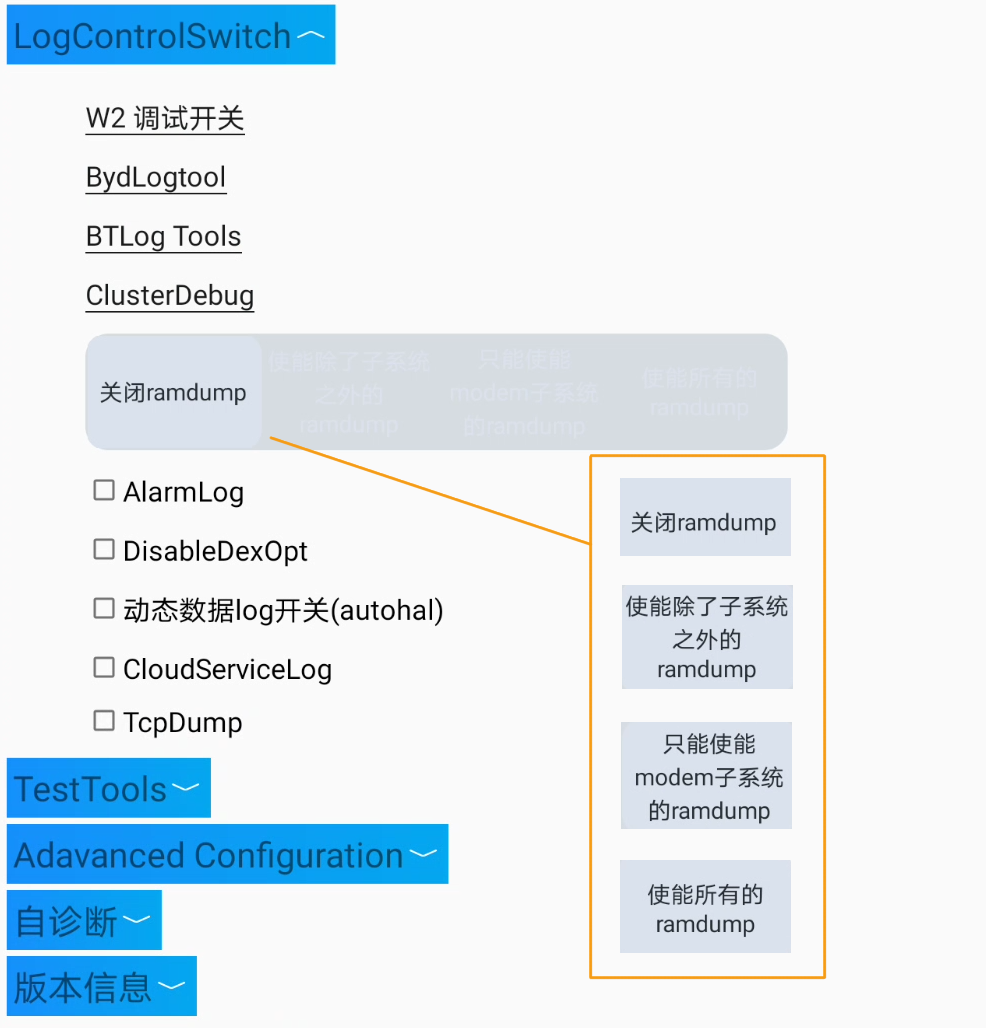
1. W2 debug switch
com.byd.byddevelopmenttools/com.byd.byddevelopmenttools.activity.W2DebugActivity
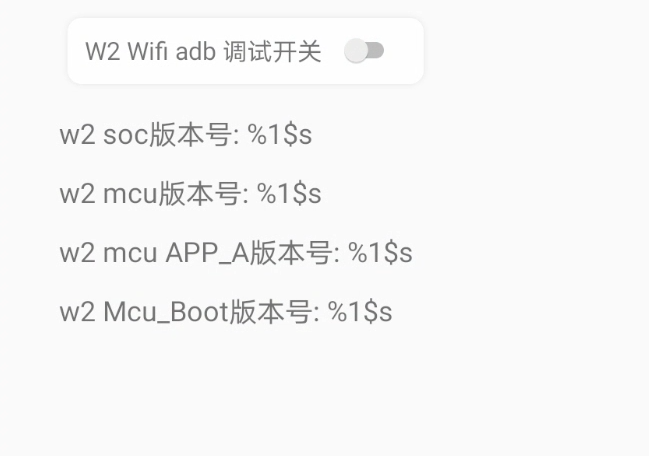
Переключатель W2 Wifi adb debug switch = ON/OFF
2. BydLogtool
com.byd.bydlogtool/com.byd.bydlogtool.MainActivity
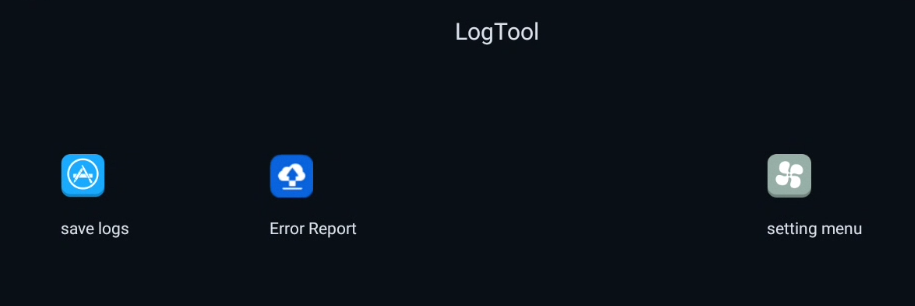
Приложение для работы с логами.
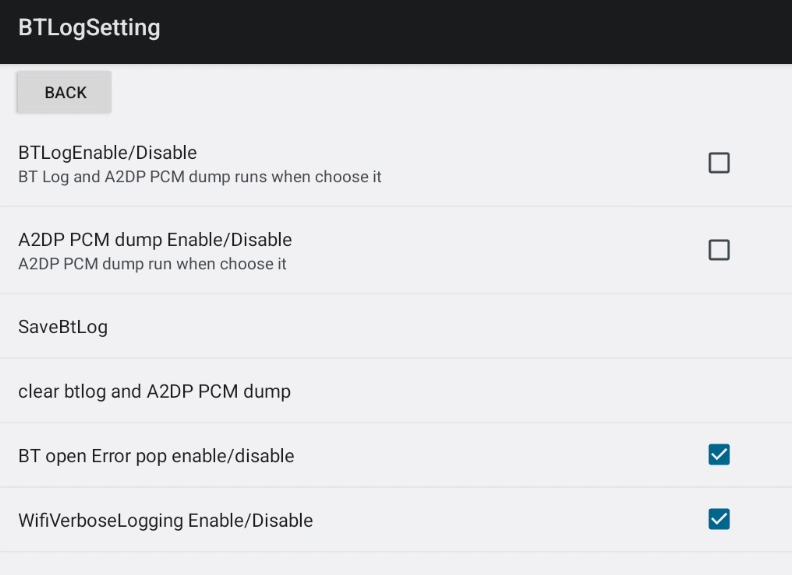
3. BTLog Tools
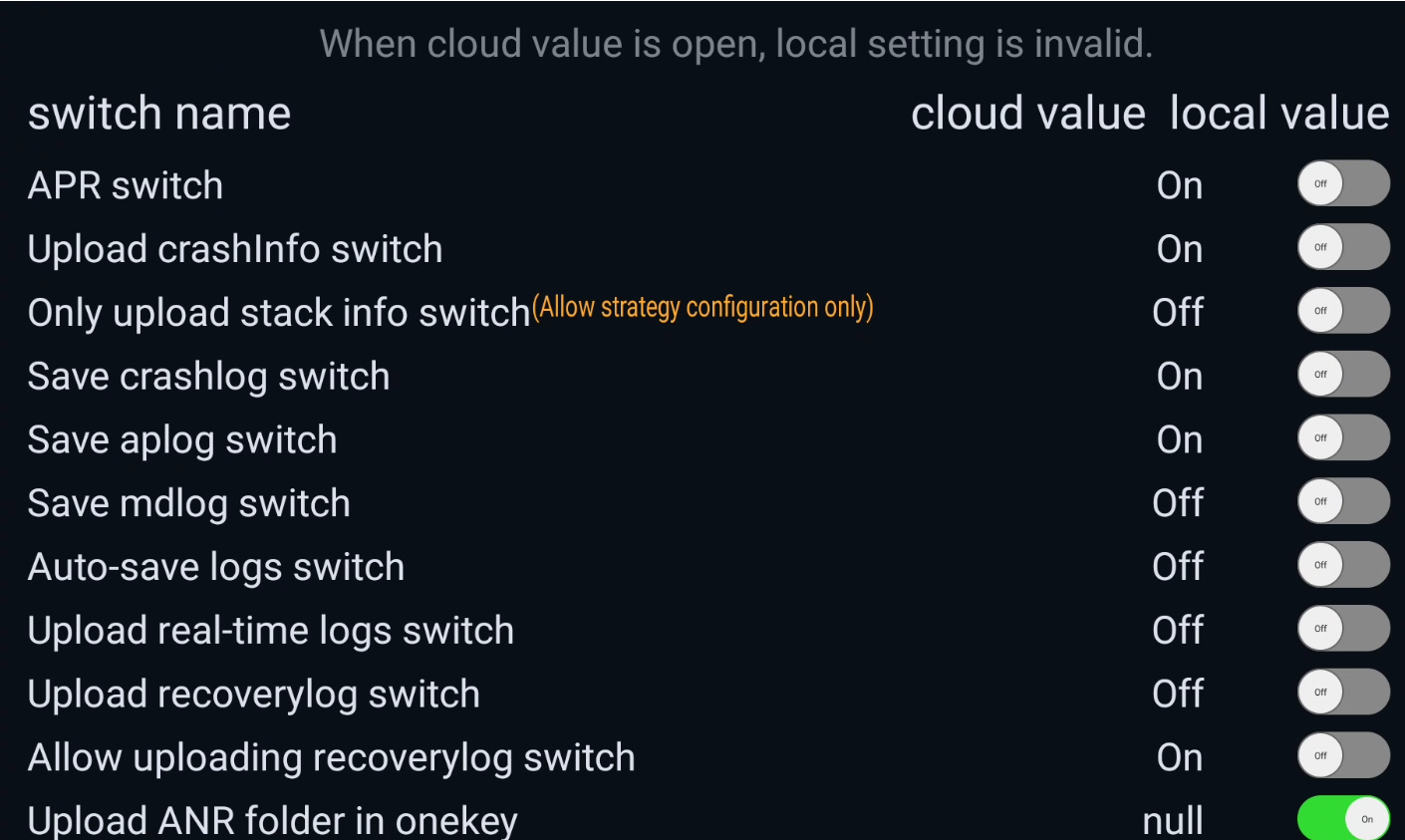
com.byd.btlogtool/com.byd.btlogtool.BTLogToolSetting
Приложение для работы с логами Bluetooth.
4. ClusterDebug
com.byd.clusterdebug/com.byd.clusterdebug.MainActivity
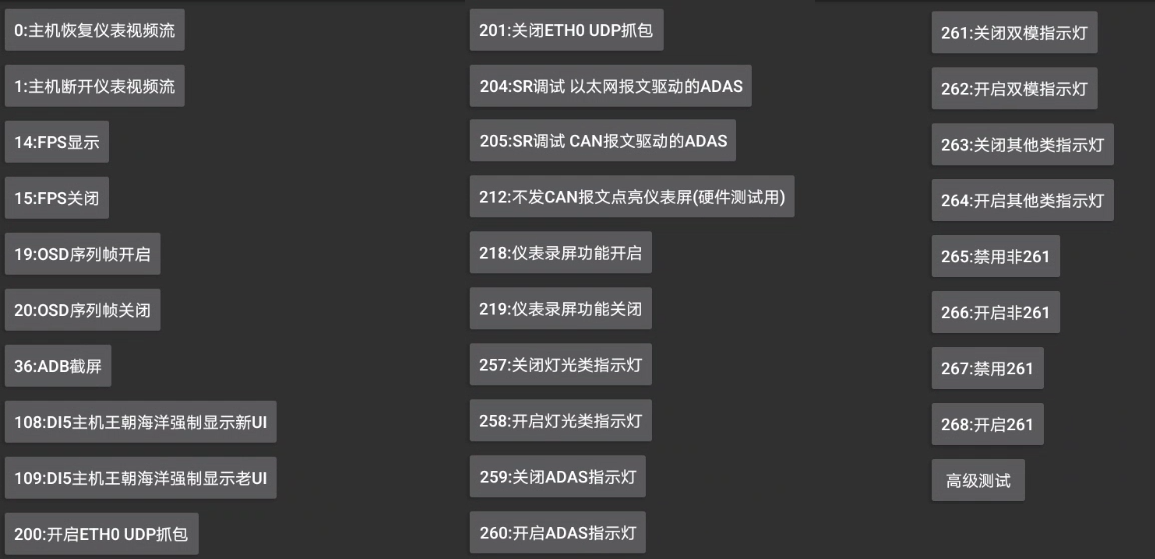
- 0: Host computer restores instrument video stream
- 1: The host disconnects the instrument video stream
- 14: FPS display
- 15: FPS off
- 19: OSD sequence frame enabled
- 20: OSD sequence frame closed
- 36: ADB screenshot
- 108: DI5 console Dynasty Ocean forces display of new UI
- 109: DI5 host Dynasty Ocean forces display of old UI
- 200: Enable eth0 UDP packet capture
- 201: Disable eth0 UDP packet capture
- 204: SR debug internet message driver for ADAS
- 205: SR debugging ADAS driver by CAN messages
- 212: Light up the instrument panel without sending CAN messages (for hardware testing)
- 218: Instrument panel recording function enabled
- 219: Instrument panel recording function is OFF
- 257: Turn OFF light-related indicator lights
- 258: Turn ON light-related indicator lights
- 259: Turn OFF the ADAS indicator light
- 260: Turn ON the ADAS indicator light
- 261: Turn OFF dual-mode indicator light
- 262: Turn ON dual-mode indicator light
- 263: Turn OFF other indicator lights
- 264: Turn ON other indicator lights
- 265: Disable non-261
- 266: Enable non-261
- 267: Disable 261
- 268: Enable 261
- Advanced testing